BD ZONE Server Connection Issue: IPv6 Fix and Direct Connect
BD ZONE Server Connection Issue: Some Players Cannot Connect Right Now
Some players are experiencing difficulties connecting to play.bdzonemc.com. This BD ZONE server connection issue comes from an IPv6 DNS resolution problem, which stops the game from reaching the server address correctly on some networks.
If you are one of the affected players, you do not need to wait for a fix before you can play again. Two simple workarounds will get you back into the game right now, and both are explained in full below.
Who Is Affected
This issue does not affect everyone. Many players can join BD ZONE normally and do not need to change anything at all.
You are affected only if Minecraft fails to connect to play.bdzonemc.com, shows a connection error, or keeps timing out while trying to join. If you can already join normally, no changes are required, and you can keep playing exactly as before.
The problem is linked to how some internet connections resolve the server address over IPv6. Your Minecraft account, your builds, your items, and your progress on the server are all completely safe. This is a connection problem only, and it does not touch your player data in any way.
Quick Fix 1: Temporarily Disable IPv6
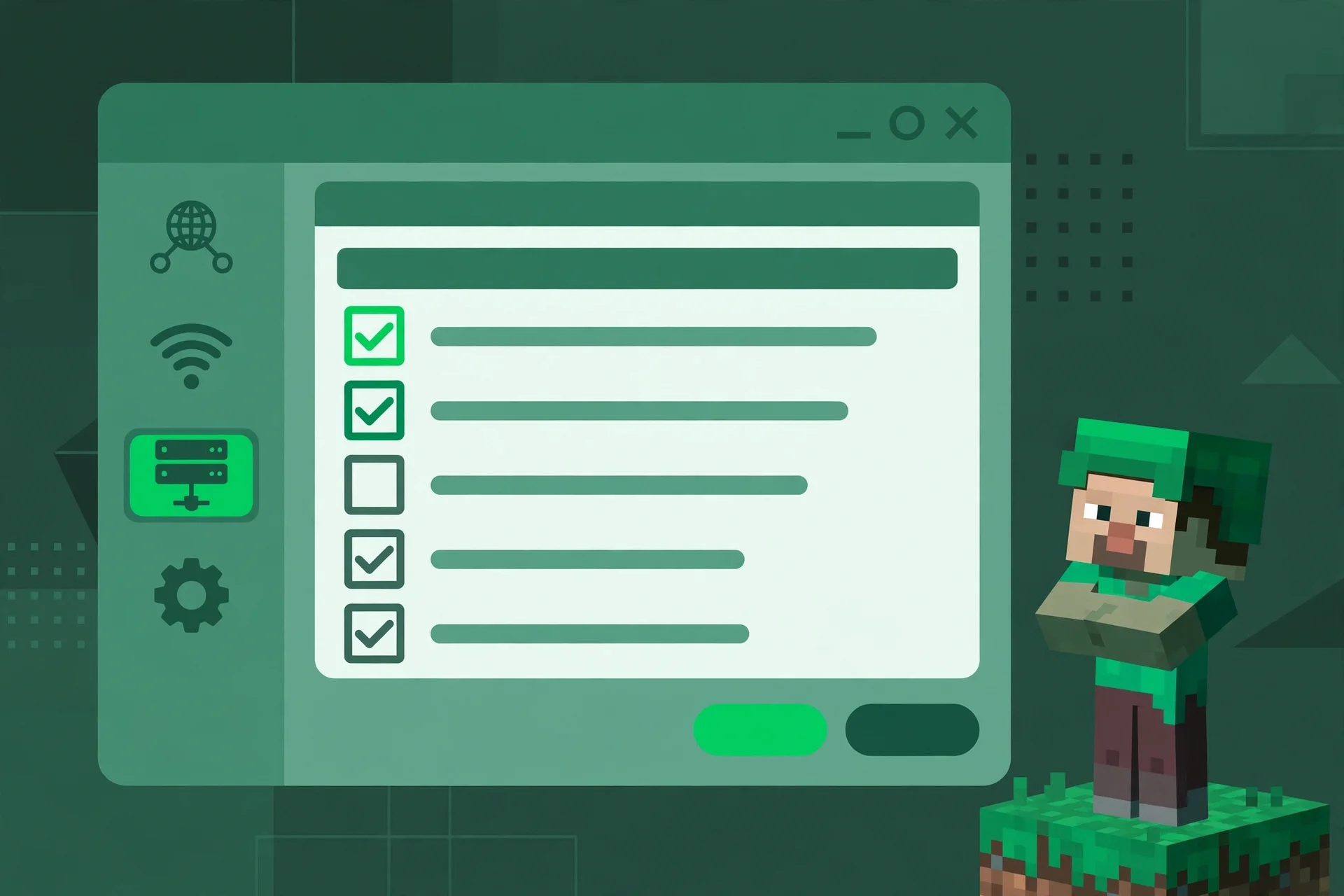
The first workaround is to temporarily disable IPv6 on your computer, then restart your Minecraft launcher and try joining again. A short video tutorial walks through these same steps, and the written steps below cover exactly the same process.
- Open the Control Panel on your Windows computer.
- Go to Network and Internet, then open Network Connections.
- Right click on the network adapter you use to connect to the internet, such as Wi-Fi or Ethernet, and choose Properties.
- In the list, find Internet Protocol Version 6 (TCP/IPv6) and uncheck the box next to it.
- Click OK to save the change.
- Close the Minecraft launcher completely, open it again, and try joining play.bdzonemc.com.
In most cases, the game connects normally after this change. Disabling IPv6 is temporary. You can turn it back on later, once the connection issue is fully resolved, by opening the same settings and checking the box again.
If you play on a different device or operating system, look for the IPv6 setting in your network settings and switch it off in the same way before relaunching Minecraft.
Quick Fix 2: Connect Directly
If you would rather not change any network settings, you can connect directly using the alternate server address below.
mc.bdzonemc.com:25589
To use it, open Minecraft, go to Multiplayer, and click Add Server or Direct Connect. Type mc.bdzonemc.com:25589 as the server address, save it, and join. This address connects you to the same BD ZONE server, so you will land in the same world with the same inventory, the same land claims, and the same progress.
This direct address is the fastest option if you just want to get in and play. Keep it saved in your server list so you can use it again any time the main address has trouble connecting.
If You Can Already Join
If play.bdzonemc.com works fine for you, please do nothing. Changing network settings you do not need to change will not improve your connection, and the direct address is only a backup for players who need it.
If a friend tells you they cannot join, share this fix with them. Many players will be able to solve the problem in under a minute once they know about the IPv6 setting or the direct address.
What We Are Doing
We are aware of this BD ZONE server connection issue and we are working on a permanent fix so that play.bdzonemc.com connects normally for every player again. We will share another update as soon as the issue is fully resolved.
Until then, the two workarounds above are the official way to get back into the game. If neither workaround helps, or if you run into a different error while connecting, reach out to the BD ZONE staff team with a screenshot of the error message so we can help you directly.
Frequently Asked Questions
Will I lose my items or progress?
No. This is only a connection problem. Your builds, items, balance, and progress are stored on the server and are completely safe.
Should I keep IPv6 disabled forever?
No. Disable it only until the issue is resolved. You can re-enable it later from the same network settings.
Does the direct address work for everyone?
Yes. Any player can use mc.bdzonemc.com:25589 to connect to BD ZONE, whether or not the main address works for them.
What if I still cannot connect after trying both fixes?
Restart your computer and your router, then try again. If the problem continues, contact the staff team with details about the error you see.
Thank you for your patience while we sort this out. We apologize for the inconvenience, and we look forward to seeing you back in game.