BD ZONE Maintenance Ended: Players Can Join Again
BD ZONE maintenance ended, and the server is open again. After a period of maintenance to fix errors affecting connections and gameplay, players can now join BD ZONE again, and the lobby is ready to welcome you back. We know how frustrating it is to wait while your favourite server is offline, especially when you had plans to play with friends, finish a build, or jump into a match. Thank you for waiting while we worked through the problems. This update explains what changed, how to join again, what we are still working on, and what to do if you still see a problem when you try to connect.
BD ZONE Maintenance Ended: What Changed During the Work
BD ZONE maintenance ended after our team applied fixes to the errors that were affecting the server. The work focused on the problems that were stopping players from connecting and playing normally, and on making the server more stable for everyone who joins. Our team checked the systems behind the lobby and the game modes, applied the fixes we had prepared, and tested the connection flow so players could get back into the game without running into the same errors.
Maintenance is never a decision we take lightly. We know that every minute offline matters to players who were in the middle of a game, waiting for friends, or looking forward to a relaxed session after a long day. That is why we kept the work focused, applied the fixes as soon as they were ready, and reopened the server as soon as joining was working again. The goal was simple: fix the errors, check that joining works, and let players get back to playing.
How to Join Again via the NPC at the Lobby
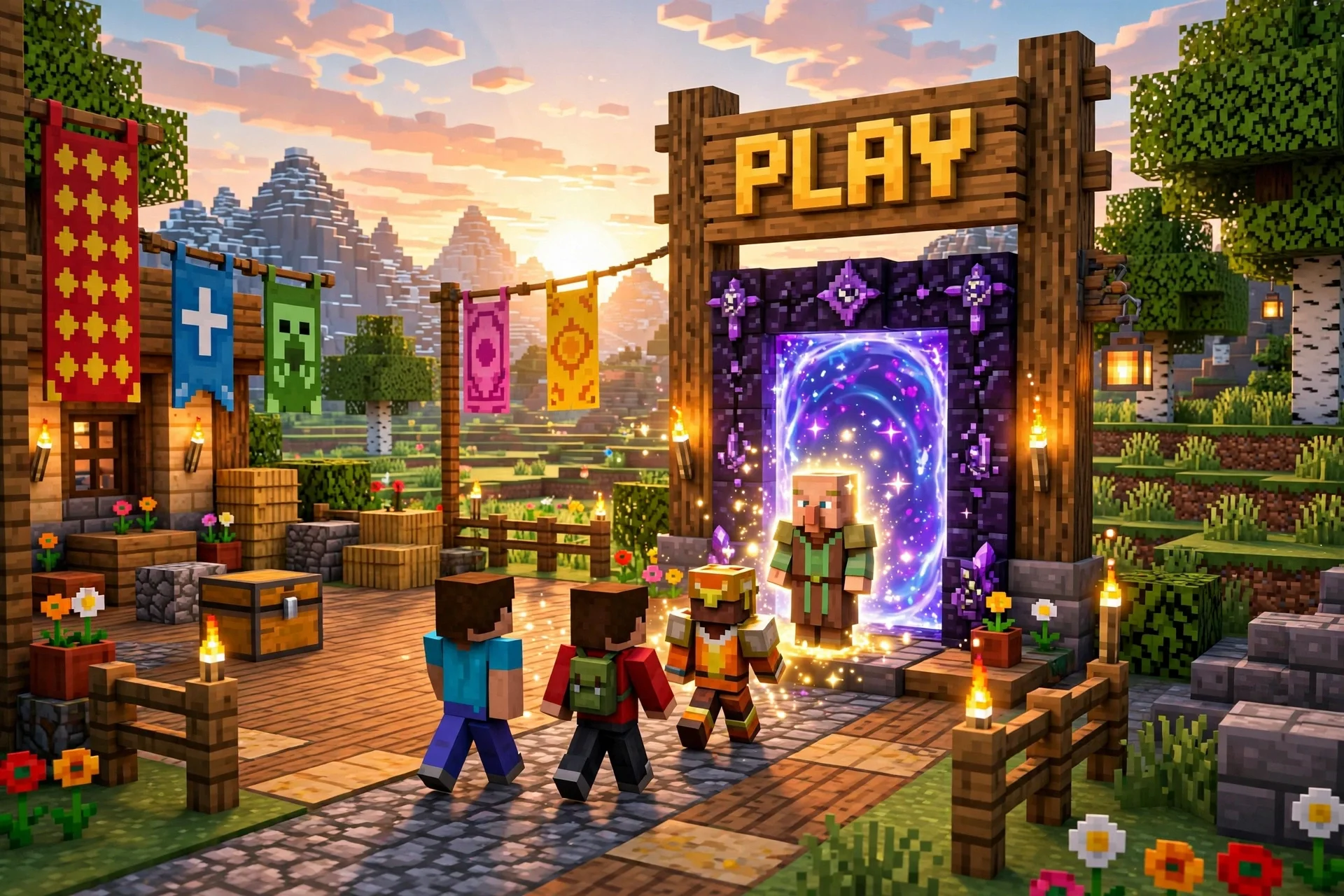
Players can now join via the NPC at the lobby, and joining works the same way as before the maintenance. Open Minecraft, add the server using the IP play.bdzonemc.com, and join BD ZONE. Once you arrive in the lobby, look for the NPC and click it to enter the game. The NPC is your way into the action, so head to it when you spawn in the lobby and choose the mode you want to play.
If you already have BD ZONE saved in your server list, you do not need to add it again. Just select the server, join, and walk to the NPC at the lobby. If you are joining for the first time, add play.bdzonemc.com as a new server, save it, and join from your list. You can also visit the BD ZONE website for more information about the server, and you can read our other news on the BD ZONE blog to stay up to date with future updates.
Further Fixes Are Coming Later
The work is not finished yet. Further fixes will be pushed later on, as our team continues to check the server, review the errors we found, and improve the parts of the system that still need attention. Some fixes can only be tested properly while players are online and playing normally, so we will keep watching how the server performs now that players are joining again.
We will share more information when the next fixes are ready. Until then, you can play as normal, and you do not need to wait for another maintenance window before you join. If you notice a problem while you play, please let us know through the usual support channels so we can look into it. Your reports help us find the remaining issues faster, and they help us decide which fixes should come next.
The Online Players Count May Show an Invalid Amount
One issue is still being worked on. The players online list on the server list may show an invalid amount, which will be solved later today. This means the number you see next to BD ZONE in your Minecraft server list might not match the real number of players who are online. The number could look too high, too low, or simply wrong, even while the server itself is working normally.
This display issue does not stop you from joining, and it does not affect your game once you are inside. You can still connect with the IP play.bdzonemc.com, reach the lobby, and join through the NPC as normal. We are working on the fix for the online players count, and we expect it to be solved later today. Once it is fixed, the number shown on the server list will match the real number of players online.
What to Do If You Still Cannot Join
Most players should be able to join straight away now that BD ZONE maintenance ended. If you still cannot join, first check that you typed the server IP correctly as play.bdzonemc.com, with no extra spaces or missing letters. Then restart Minecraft, try joining again, and make sure you are using the correct game version for the server. A fresh restart often clears a stuck connection and lets you reach the lobby without any further trouble.
If the problem continues, wait a few minutes and try again, because the server may still be settling after the maintenance. You can also check whether your internet connection is stable, and try again when it is steady. If you still cannot join after those steps, contact our support team and tell them what happens when you try to connect, including any error message you see. That detail helps us find the cause much faster.
Thank You for Playing on BD ZONE
Thank you to every player who waited patiently while the maintenance was under way, and thank you to everyone who is joining again now. BD ZONE is built around its players, and your patience during the work meant a lot to the team. We are glad to have you back, and we look forward to seeing the lobby busy again, with players joining through the NPC, meeting friends, and enjoying the game.
Join us now on play.bdzonemc.com, step into the lobby, click the NPC, and get back into the action. Further fixes are coming later, and the online players count will be corrected later today. For now, the server is open, the maintenance has ended, and it is time to play again. See you in game on BD ZONE.
Now that BD ZONE maintenance ended, the team will keep monitoring the server closely while players return. We are glad BD ZONE maintenance ended without further delays, and we will keep you updated as the next fixes go live.