Minecraft Sound Effects: 7 Marketplace Packs to Try
 joynalbokhsho
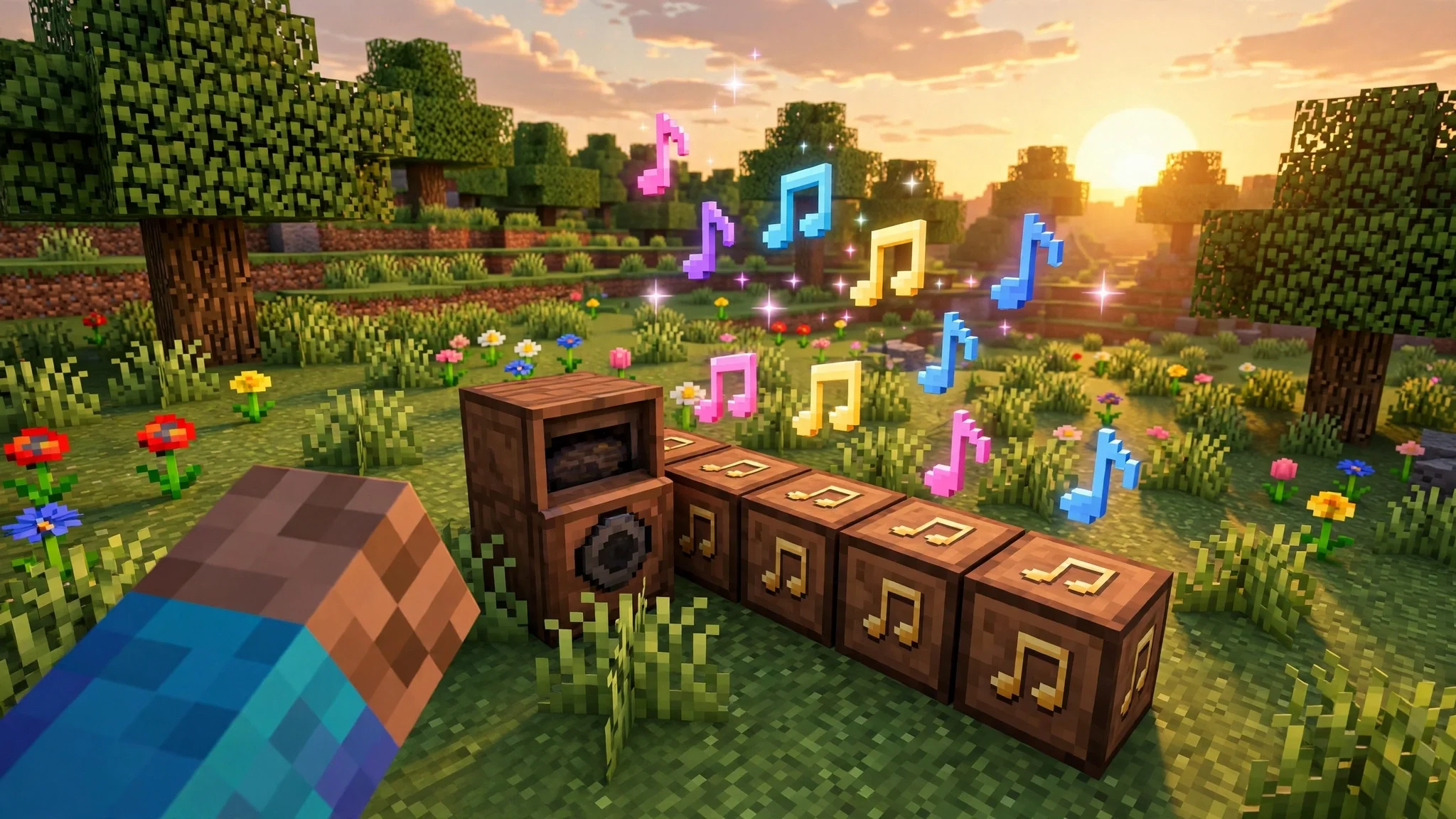
Minecraft sound effects shape every moment you play, from the first block you punch to the hiss of a creeper behind you. Most players never change them, but Minecraft Marketplace now has packs that replace almost every sound in the game, and the seven packs in the latest Marketplace spotlight show how far a new soundscape can go. In this guide, we round up all seven minecraft sound effects packs, explain what each one changes, and show you how to install them on Bedrock. If you play on Java, we also cover your options at the end.
What Are Minecraft Sound Effects Packs?
A minecraft sound effects pack replaces the default audio of the game with new sounds made by Marketplace creators. Footsteps, mob noises, music, and block breaking sounds can all change at once, so the same world can feel like a cartoon, a horror map, or a calm building session depending on the pack you pick. These packs are sold through Minecraft Marketplace, which means they are made for Bedrock Edition on console, mobile, and Windows. You download a pack, activate it, and the new sounds apply to your game right away.
7 Best Minecraft Sound Effects Packs on Marketplace
The seven packs below come from the official Marketplace spotlight, and each one takes a different approach to minecraft sound effects. Some go loud and silly, some go dark, and one keeps things calm.
1. ToonCube: Cartoon Sound Effect Pack by Cube Games
ToonCube turns your world into a cartoon. Fall from a high ledge and you land to the sound of a clown car horn. Creepers explode like a crash in a cymbal factory, and zombies shuffle around groaning like someone who just woke up. It is loud, playful, and perfect for a lighthearted survival world or a funny video with friends.
2. Liminal Sound Pack by Panascais
Liminal Sound Pack does the opposite. Sparse piano music creeps in while you walk through a forest, and suddenly a relaxing stroll feels like a scene from an arthouse horror film. Villagers sound wrong, as if they are talking through gravel, and zombies roar in a way that echoes off cave walls. Pick this one if you want your night sessions to feel tense.
3. Retro Arcade Sound Pack by King Cube
Retro Arcade Sound Pack gives every action an 80s arcade feel. Jumping sounds like a classic video game jump, and the music is a punchy mix of synthesizers. Even the cow gets a new voice, and it sounds a lot like a fax machine trying to form vowels. This is the pack for players who grew up on arcade cabinets or just love chiptune energy.
4. Midnight Carnival Sounds by Block Perfect Studios
Midnight Carnival Sounds promises the fun of the fair and delivers something much stranger. A dented tuba plays circus melodies that slow down and drift out of tune while monstrous grunts layer on top. The best detail is the creeper, which plays a slow, eerie version of Pop Goes the Weasel right before it explodes. Great for a Halloween world or a horror map, and not for players who scare easily.
5. Super Satisfying Sounds by Oreville Studios
Super Satisfying Sounds is the subtle one. It sharpens the small noises you hear all the time, like grass swishing under your feet, dirt crunching, and wooden planks creaking. Mining iron and swinging your sword get extra weight and crunch too. Nothing here is silly or scary, it just makes the everyday sounds of the game feel richer.
6. Jigarbov Sound Pack by Jigarbov Productions
Jigarbov Sound Pack is the most unusual of the seven. Every sound was recorded with a human voice, so doors open with a spoken ka-chunk, bells ring out as a spoken ding, and pigs say oink in the flat tone of a tired police chief. Even footsteps sound like a person saying boom boom clop. It is strange, funny, and oddly charming once you get used to it.
7. Zephyr - Relaxing Sounds by Pixelbiester
Zephyr takes the sounds you already know and makes them softer, mellower, and richer. Chests creak gently, torches place with a soft touch, and the whole game feels calmer without losing its identity. If you build for hours or play late at night, this is the pack that fits best.
Which Pack Should You Pick?
If you want laughs, start with ToonCube or Jigarbov. If you want tension, Liminal Sound Pack or Midnight Carnival will change the mood of your whole world. If you want better everyday audio without a theme, Super Satisfying Sounds and Zephyr are the safest picks, and both are easy to live with for long sessions. The best part of minecraft sound effects packs is that you can switch between them whenever you like, so try one for a week and change it when you feel like a new mood.
How to Install Minecraft Sound Effects Packs on Bedrock
Installing minecraft sound effects packs on Bedrock takes only a few steps. Open Minecraft Marketplace from the main menu, search for the pack by name, and download it. Some packs are free and some are paid, so check the price on the listing before you confirm. Then open Settings, go to Global Resources, find the pack under My Packs, and activate it. You can also activate a pack for one world only by opening that world settings and adding it under Resource Packs. If the sounds do not change right away, restart the game and check that the pack is still active.
Minecraft Sound Effects on Java Edition
Marketplace packs only work on Bedrock Edition, so Java players need a different route for custom minecraft sound effects. On Java, sound changes come through resource packs, which you can find on community sites or make yourself. Download a resource pack, drop it in the resourcepacks folder, and turn it on from Options, then Resource Packs. The idea is the same, only the source is different.
FAQ
Are minecraft sound effects packs free?
Some are free and some are paid. Each listing in Minecraft Marketplace shows its price, so check before you download.
Do sound packs work in multiplayer?
Yes. Sound packs are client side, so they only change what you hear. Your friends will hear their own sounds unless they install the same pack.
Can I use minecraft sound effects packs on a server like BD ZONE?
Yes, on Bedrock you can use an active sound pack while you play on any server, including BD ZONE. The pack changes your audio only and does not affect other players or the server.
Final Thoughts
Sound is half the game, and these seven packs prove it. Whether you want cartoon chaos, arcade nostalgia, horror tension, or a calmer world, there is a pack that fits. Try one this week and see how different your world sounds.
Ready to play with fresh ears? Join BD ZONE on Java at PLAY.BDZONEMC.COM or on Bedrock at pe.bdzonemc.com port 19132, and bring your favourite pack along.