Minecraft Color Codes: Complete Chart for Java & Bedrock
 joynalbokhsho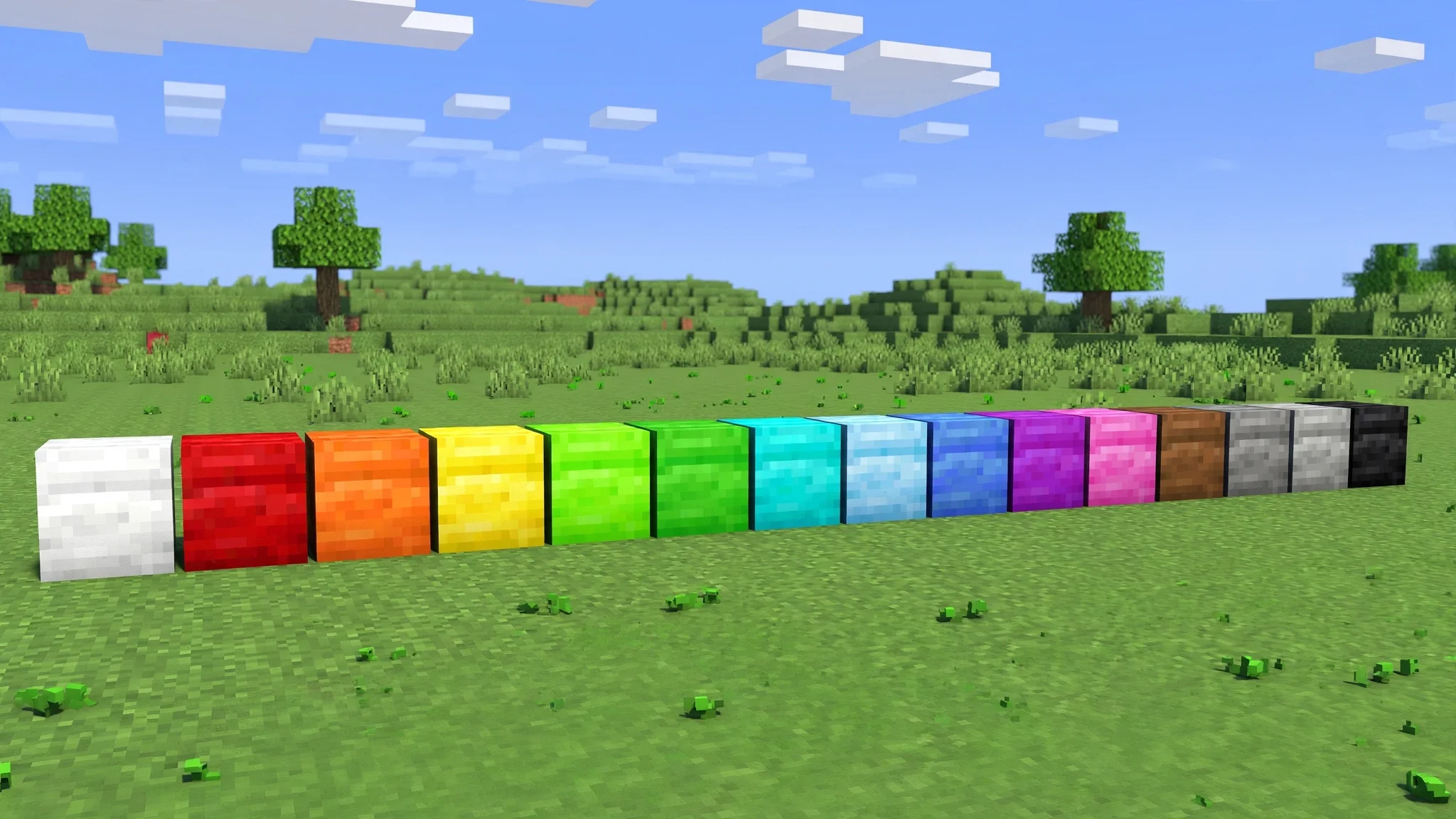
Minecraft Color Codes: Complete Chart for Java & Bedrock
If you have ever seen rainbow text in Minecraft chat or glowing signs at a server spawn, you have already seen minecraft color codes in action. These short codes color and style text in chat, on signs, in books, and even in server MOTDs. This guide gives you the complete minecraft color codes chart for both Java Edition and Bedrock Edition, with every color, every formatting code, and copy-and-paste examples you can use right away. Learning minecraft color codes takes five minutes, and once you know the pattern you will never need to look them up again.
What Are Minecraft Color Codes?
Every color or style in Minecraft text starts with the section sign (§) followed by one character. Codes 0 to 9 and a to f set one of 16 colors, while codes k to o apply formatting like bold or italic, and r resets everything back to normal. That single pattern is the whole system behind minecraft color codes, and it works the same on Java and Bedrock.
The Complete Minecraft Color Codes Chart
This table lists all 16 minecraft color codes with each code character, official color name, and common uses.
| Code | Color | Common uses |
|---|---|---|
| §0 | Black | Spooky signs |
| §1 | Dark Blue | Team colors |
| §2 | Dark Green | Money text |
| §3 | Dark Aqua | Water themes |
| §4 | Dark Red | Warnings |
| §5 | Dark Purple | Magic themes |
| §6 | Gold | Premium ranks |
| §7 | Gray | Descriptions |
| §8 | Dark Gray | Muted labels |
| §9 | Blue | Cool accents |
| §a | Green | Success messages |
| §b | Aqua | Bright headers |
| §c | Red | Alerts |
| §d | Light Purple | Playful signs |
| §e | Yellow | Attention grabbers |
| §f | White | Default text |
Minecraft Formatting Codes
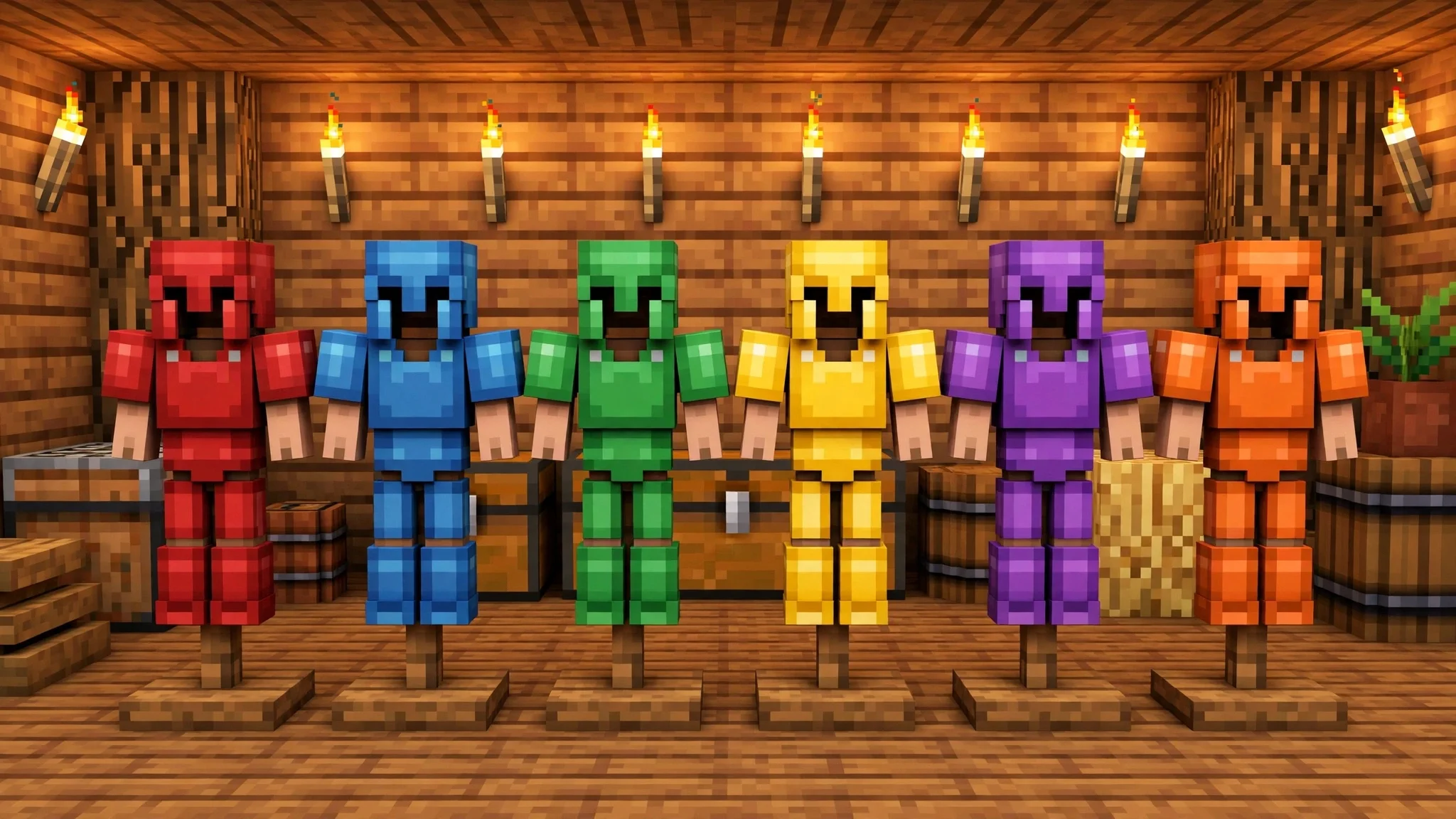
Colors are only half the story. These formatting companions to minecraft color codes change the style of the text itself.
| Code | Effect | Notes |
|---|---|---|
| §k | Obfuscated | Scrambles characters into "magic" text |
| §l | Bold | Makes text thicker and bolder |
| §m | Strikethrough | Draws a line through the text |
| §n | Underline | Underlines the text |
| §o | Italic | Slants the text |
| §r | Reset | Clears all color and formatting |
Combine them freely: §6§l makes bold gold text. Always end styled text with §r so the formatting does not leak into your message.
How to Use Minecraft Color Codes on Java Edition
The tricky part on Java is typing the § symbol, since most keyboards have no key for it. The reliable methods are simple: copy § from this page and paste it where needed, or on Windows hold Alt and type 0167 on the number pad. Once the symbol is in your chat box, add the code character right after it with no space, like §6Hello. Vanilla Java chat, signs, and books all accept minecraft color codes typed this way.
How to Use Minecraft Color Codes on Bedrock Edition
Bedrock players use the exact same § codes. Copy the symbol from a website or another message, then long-press to paste it into chat or onto a sign. Because Bedrock runs on phones, tablets, and consoles, copy-and-paste is the universal method, and it works for books as well. If a code shows up as plain text instead of coloring your words, the server or Realm has formatting disabled, which brings us to the fixes below.

Where Minecraft Color Codes Work (and Where They Do Not)
Minecraft color codes are accepted in most places where you type text, but not everywhere:
- Chat and commands on most servers
- Signs and hanging signs, on both editions
- Book and quill titles and pages
- Server MOTD in server.properties, for server owners
- Many plugin servers use & instead of §, so ask staff which symbol to use
- Anvils do not apply color codes when renaming items in vanilla Minecraft; colored item names need a plugin
Fixing Common Minecraft Color Codes Problems
The code appears as plain text. The server stripped the formatting, or you used & on a server that expects § (or the reverse). Try the other symbol.
You see boxes or question marks. Your font or device cannot render §. Copy the symbol from this page instead of typing it.
Colors bleed into the next line. You forgot §r at the end. Add §r after your styled text to reset it.
Nothing works on a Realm. Realms allow minecraft color codes in chat and on signs, so re-copy the symbol and try again.
Frequently Asked Questions
Do minecraft color codes work on Realms?
Yes. Realms support them in chat, on signs, and in books exactly like a normal single-player world.
Can I use color codes in my username?
No. Player names cannot contain formatting codes in vanilla Minecraft.
Do color codes work in minigame lobby chat?
On most servers, yes, if the chat plugin allows formatting. Check https://bdzonemc.com/rules if your colors get stripped.
Are color codes cheating?
No. They only change how text looks and give no gameplay advantage.
Try Them on BD ZONE
Now that you know every minecraft color codes trick, try them out. Style your chat messages, make your shop signs pop, and label your base with colored signs on the BD ZONE Survival server. Connect with bdzonemc.com, then share your best-looking signs on our Discord at https://discord.gg/QzhjgYZNGs.